Parallax Monitor & ZR Ctl · Accsoon integrations
Your tools.
On Accsoon.

ZR Ctl for CineView M7 is available now. SeeMo support for iPhone and iPad is coming in Parallax Monitor 2.1.
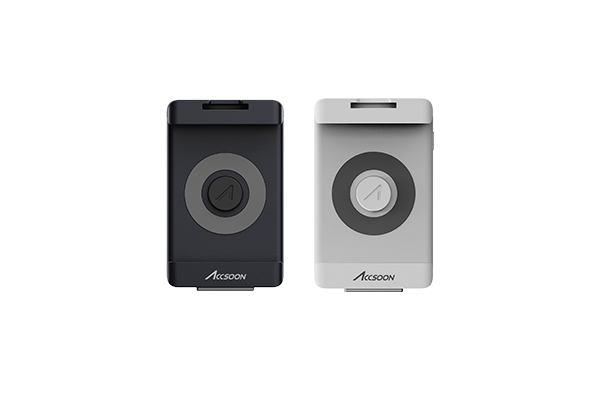
SeeMo + Parallax Monitor
Your camera’s HDMI picture. Your Parallax tools. On the iPhone or iPad already on your rig.
Explore SeeMo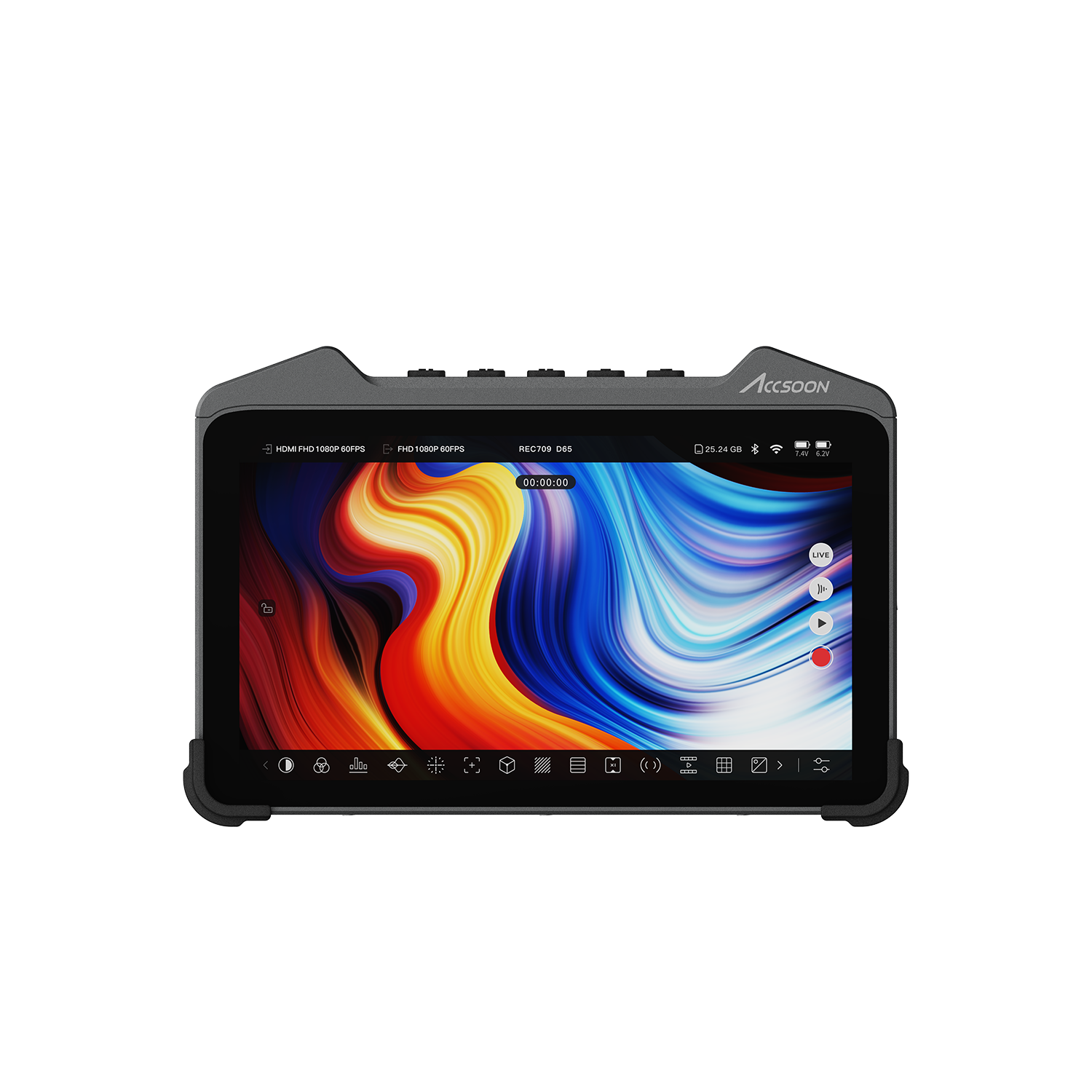
ZR Ctl for CineView M7
A native Android app built for your Accsoon monitor. Camera control and monitoring, right on the M7.
Explore the monitor editionHardware photography: Accsoon. Product screens show Accsoon’s interface.
01 / SeeMo integration
HDMI in.
Parallax on screen.
Coming in Parallax Monitor 2.1: Accsoon SeeMo support for iPhone and iPad.
Connect your camera’s HDMI output to SeeMo, then connect SeeMo to your iPhone or iPad. Monitor that picture in Parallax while controlling a supported camera over Wi-Fi.
- LUT preview, waveform and histogram
- False color, zebras and focus peaking
- Exposure lights, frame guides and anamorphic desqueeze
- Switch between SeeMo and the camera’s own preview
SeeMo support is not included in the current App Store version. It requires Parallax Monitor 2.1 or later, compatible SeeMo hardware and an iPhone or iPad. Hardware sold separately. Camera controls depend on the camera and its Wi-Fi connection.
SeeMo hardware details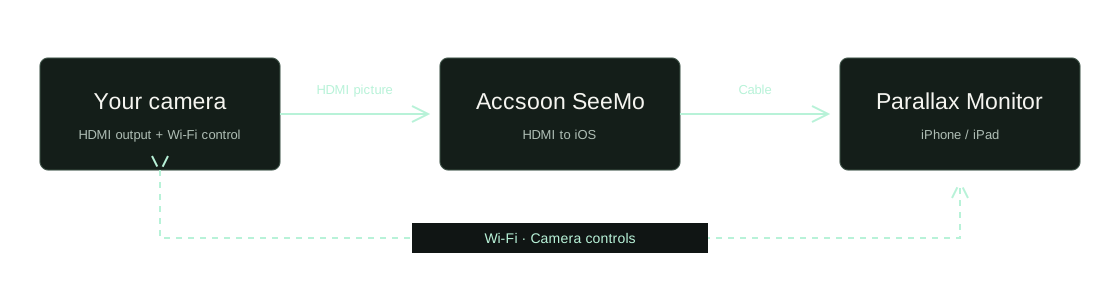
02 / Accsoon monitor edition
Your M7.
A camera command center.
ZR Ctl runs directly on CineView M7.
A dedicated Android edition brings camera controls and monitoring tools to your Accsoon display. Use the monitor’s HDMI picture with the app’s tools and connect to a supported Nikon camera for remote control.
- Exposure, white balance, focus and camera recording controls
- HDMI monitoring with LUTs, scopes and exposure tools
- A layout designed for the Accsoon monitor
- Direct installation, license activation and in-app updates
Activate online once, then use your license offline while working on the camera’s Wi-Fi network.
Meet the CineView M7ZR Ctl / Accsoon edition
Put it on your monitor.
Software for CineView M7. Separate from the iOS and Google Play apps. Accsoon hardware is not included.
$19.99 USD / one-time purchase
Permanent license · 3 devices · Lifetime updates
Buy the Accsoon editionSecure checkout by Polar. Taxes calculated at checkout.
The checkout lists this product as “ZR Ctl (Sideload APK)”.
From purchase to first picture.
- Get your app and key.
Use your purchase email to open My purchases for your download and license key.
- Install on the M7.
Transfer the Android app package to your monitor and install the Accsoon edition.
- Activate, then connect.
Connect the monitor to the internet for activation. Then connect your camera and build your monitoring layout.
Before you build your rig
A few useful answers.
Which integration should I choose?
SeeMo support is coming in Parallax Monitor 2.1 for monitoring on an iPhone or iPad. Choose the Accsoon edition of ZR Ctl if you want the app to run directly on a CineView M7.
Does the Accsoon purchase include the iPhone or Google Play app?
No. The Accsoon edition is a separate purchase for your monitor. Parallax Monitor for iPhone and iPad is available through the App Store, and the Android phone/tablet app is available through Google Play.
Does HDMI also control the camera?
The HDMI connection supplies the picture. Camera control uses a separate supported connection. For the SeeMo workflow, connect the camera to Parallax over Wi-Fi as well as connecting the HDMI video path.
Does Parallax record the SeeMo feed?
The SeeMo integration displays the video for monitoring. It does not record the SeeMo feed or stream it to the internet. Recording controls operate a connected, supported camera.
How many monitors can I activate?
Your Accsoon license includes three device activations and never expires. Lifetime updates are included. You can manage your activations through My purchases.
Where are my download and license key?
Open My purchases and sign in with the email used at checkout. For help with installation, activation or your camera setup, contact support.